
A folder of photographs becomes a likeness.
You bring the photographs. Then you make the pictures.
Start with photographs you already have.
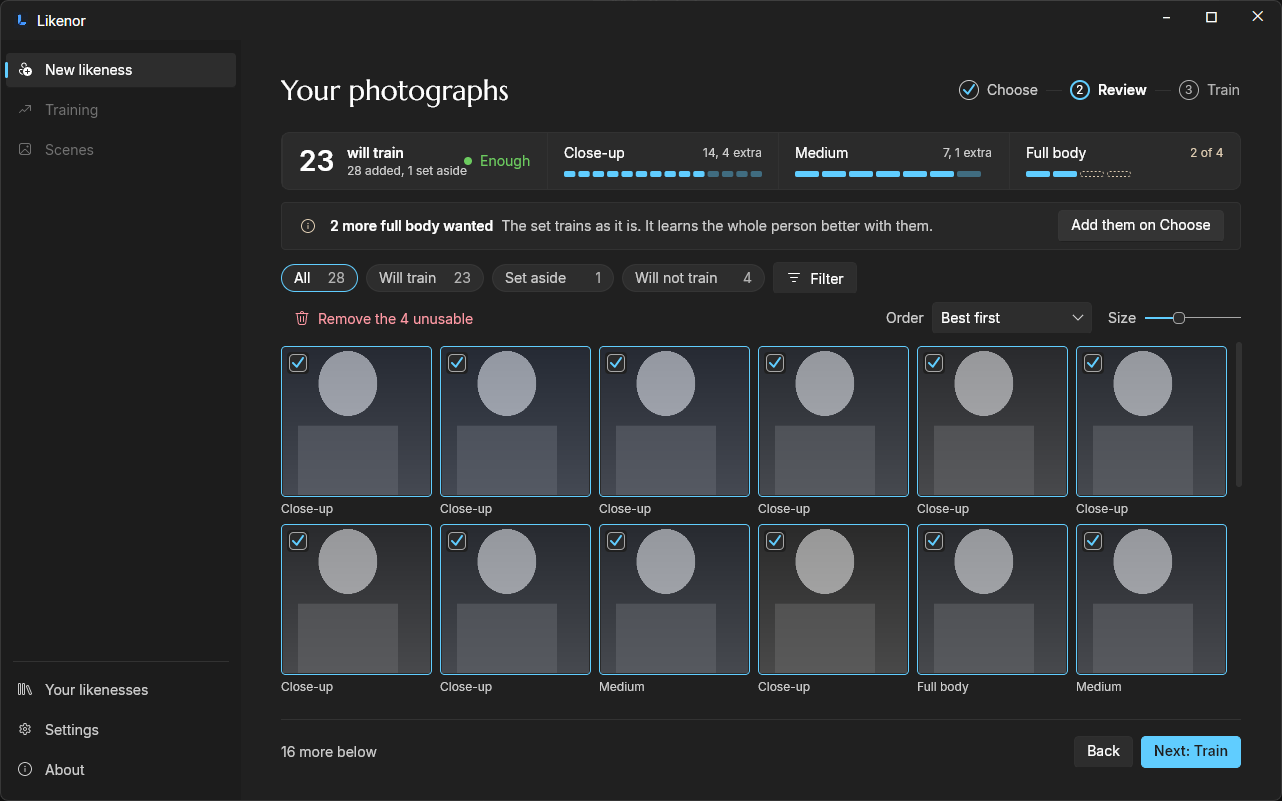
Add 20 to 30 photographs of one person. Likenor repairs them and prepares them for training. It scores each one and suggests the best, and only what the likeness needs. It says when the set is enough. You decide what stays.


Move the picture sideways to see the whole window.
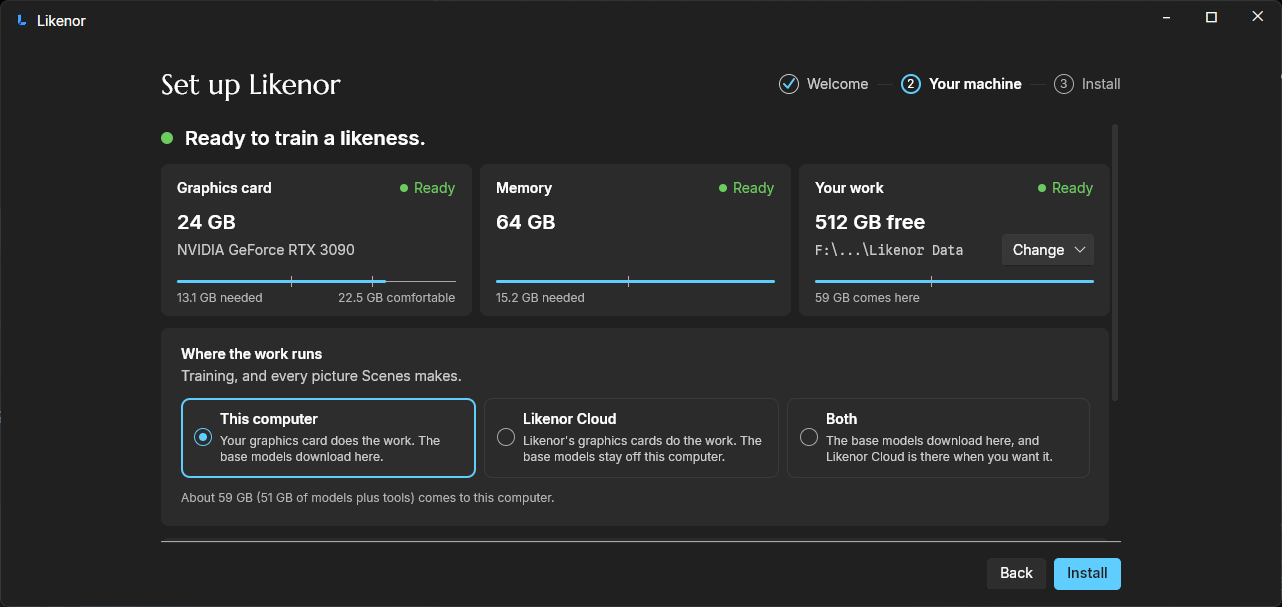
You choose where it is trained.
Your photographs stay on this computer unless you opt into a cloud run, and a cloud run leaves this computer for a third party Likenor does not own.
Train on this computer, with its own graphics card. Or turn on Likenor Cloud, when the graphics card is not enough or you would rather not wait. Likenor Cloud is off until you turn it on. The app shows what a cloud run will cost before it starts. When the likeness comes back, the copy in the cloud is deleted. Likenor does not keep it.
Likenor Cloud is offered in Europe. How Likenor Cloud works.
Move the picture sideways to see the whole window.
Start the run, and leave it to work.
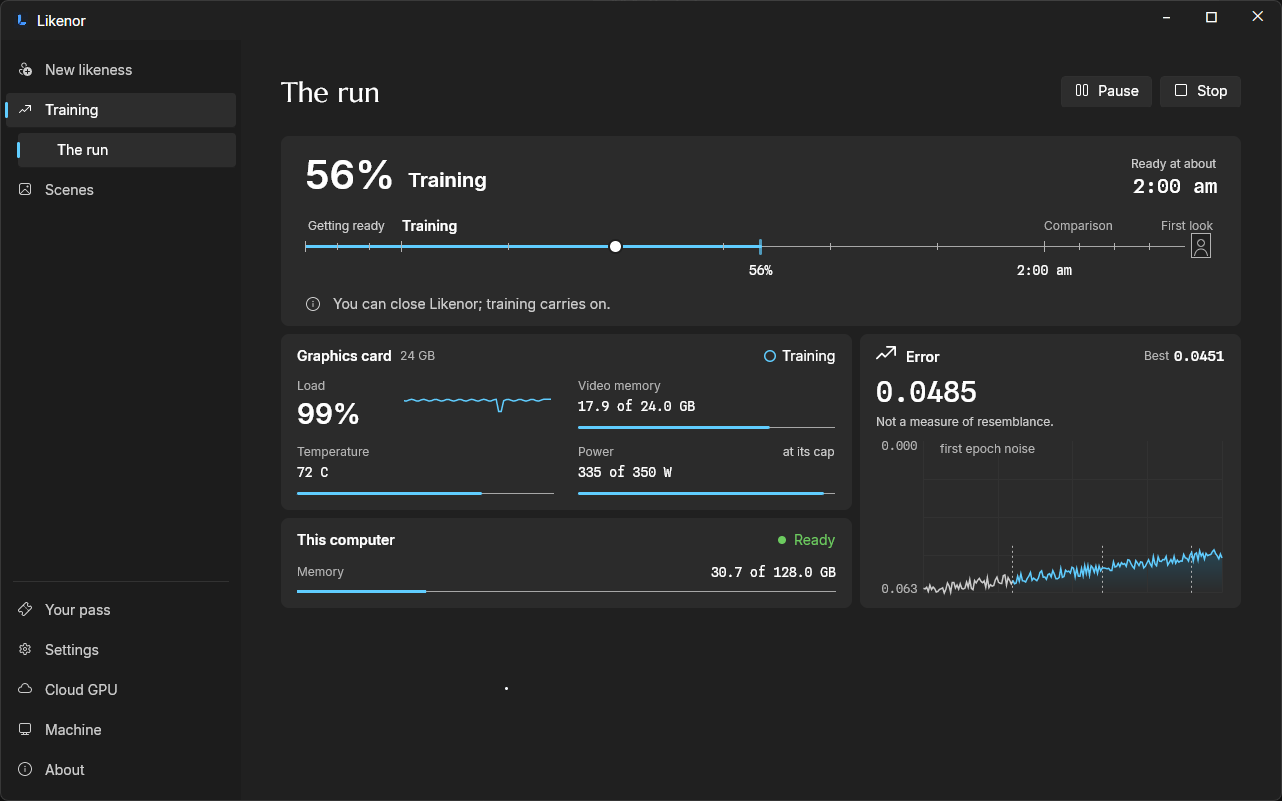
The settings are already chosen. There is no stack of knobs to guess at. Before it starts, Likenor says how long the run will take. While it works, it shows the time it will be ready.
You can close Likenor. Training carries on. On a home graphics card a run can take hours, and Likenor Cloud is there when you would rather not wait.
Move the picture sideways to see the whole window.
Your likeness is ready.
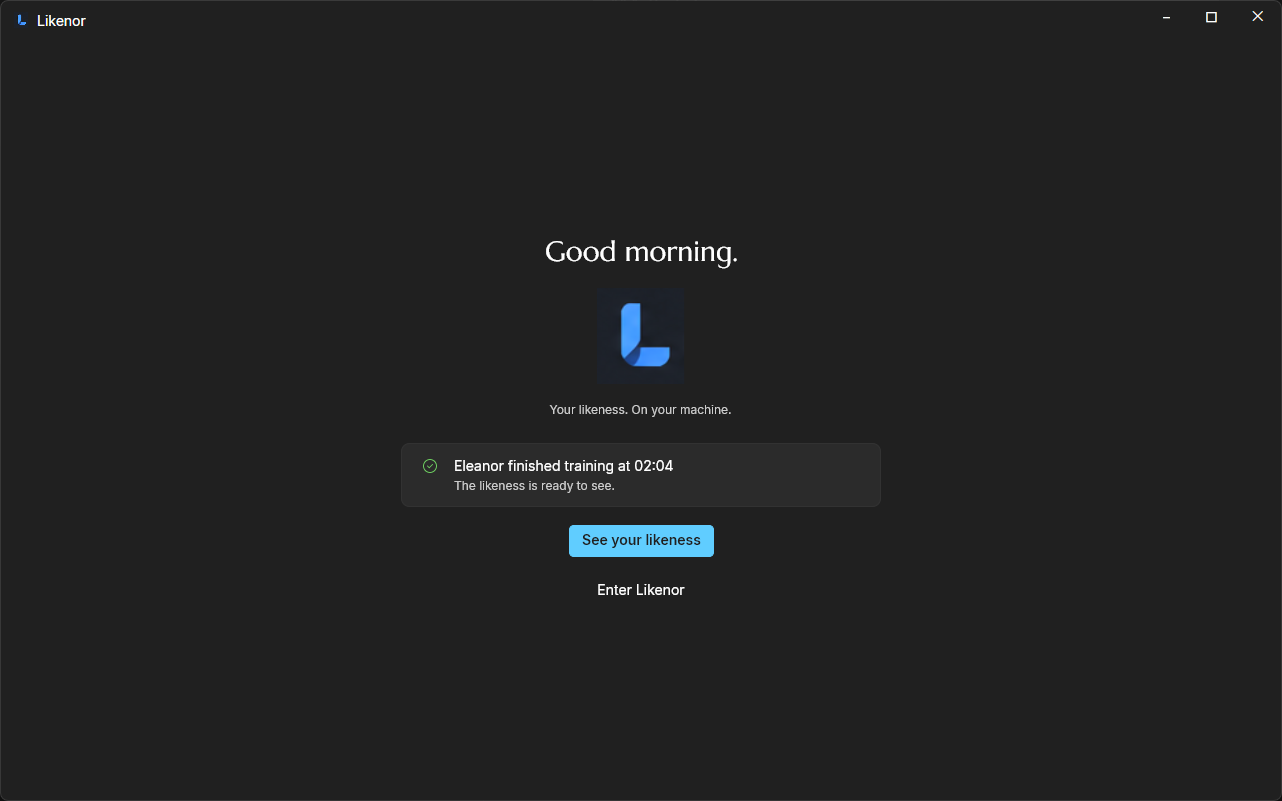
Likenor tells you when the run has finished. Then it makes the first picture of the likeness for you.
Move the picture sideways to see the whole window.
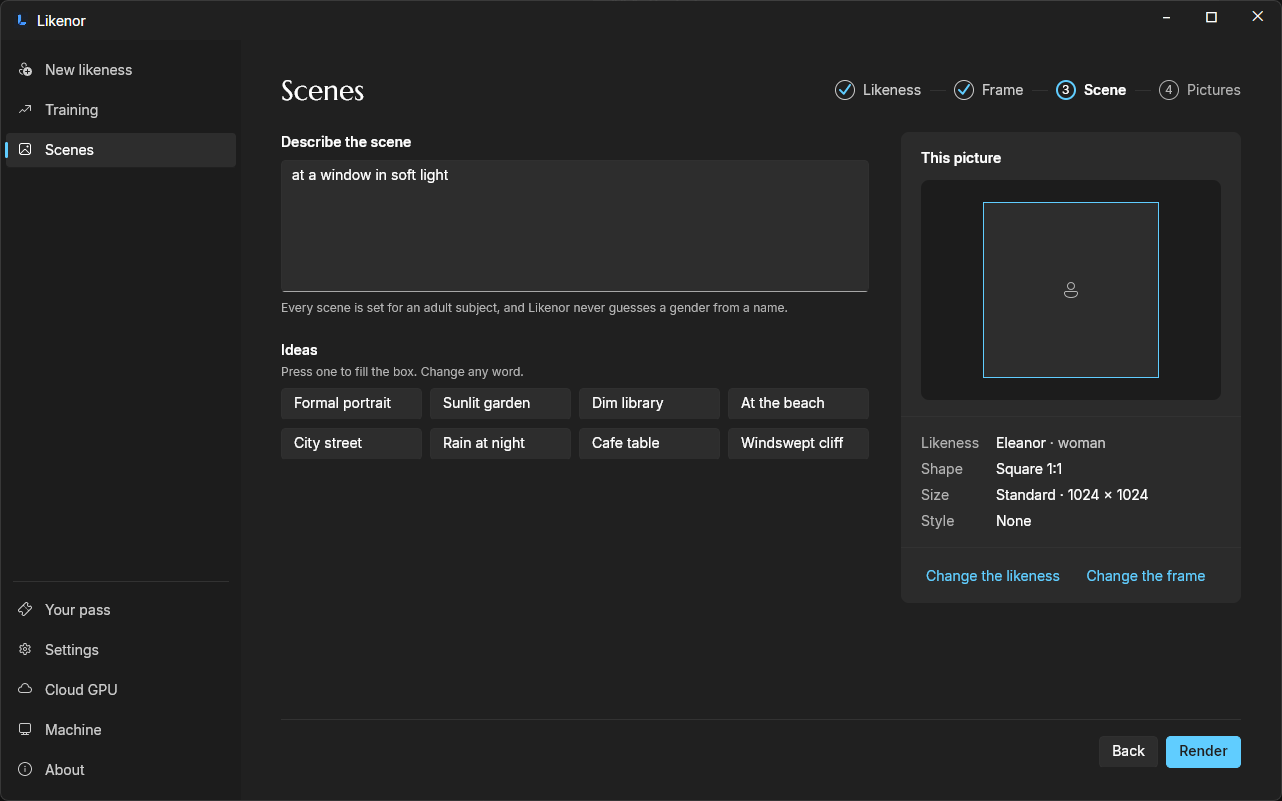
Describe a scene. Likenor makes the picture.
Write it in your own words, or start from an idea: a formal portrait, a sunlit garden, rain at night. Choose the shape and the size. Every scene is set for an adult subject, and Likenor never guesses a gender from a name.
Move the picture sideways to see the whole window.
One finished scene.
The picture is the proof. It comes back to you. The likeness is yours. You own the rights. You may sell it, within the Terms.


Get Likenor.
$69, once. Windows and Linux.
One payment, not a subscription. The app is free to download, and it checks what this computer can do before you pay.